Design and simulate digital circuits.
Logisim Revolution is a free circuit editor and simulator. Drop in gates, wire them up and watch signals move as you click. Then grow the design into adders, CPUs, memories and FPGA projects.
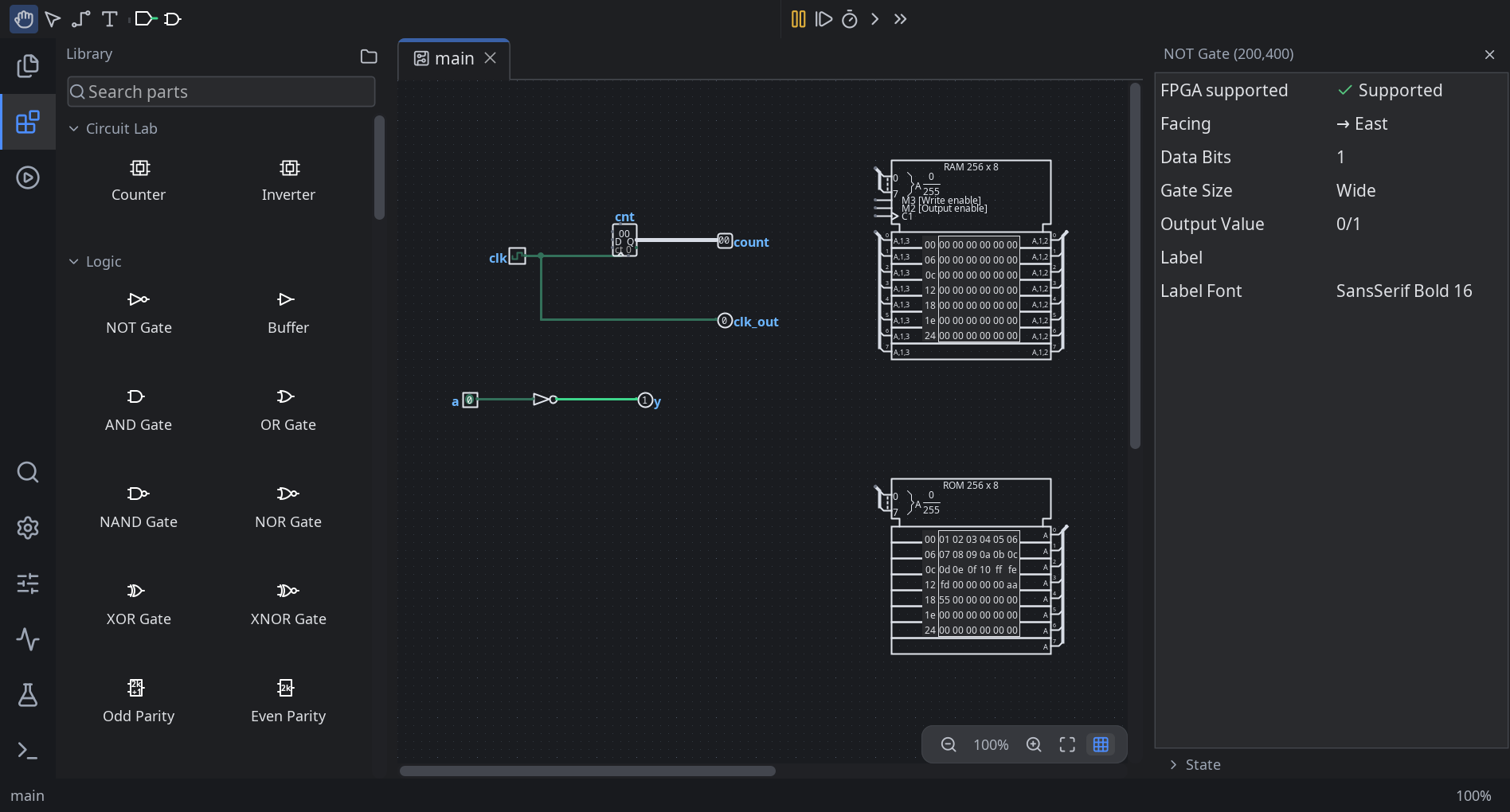
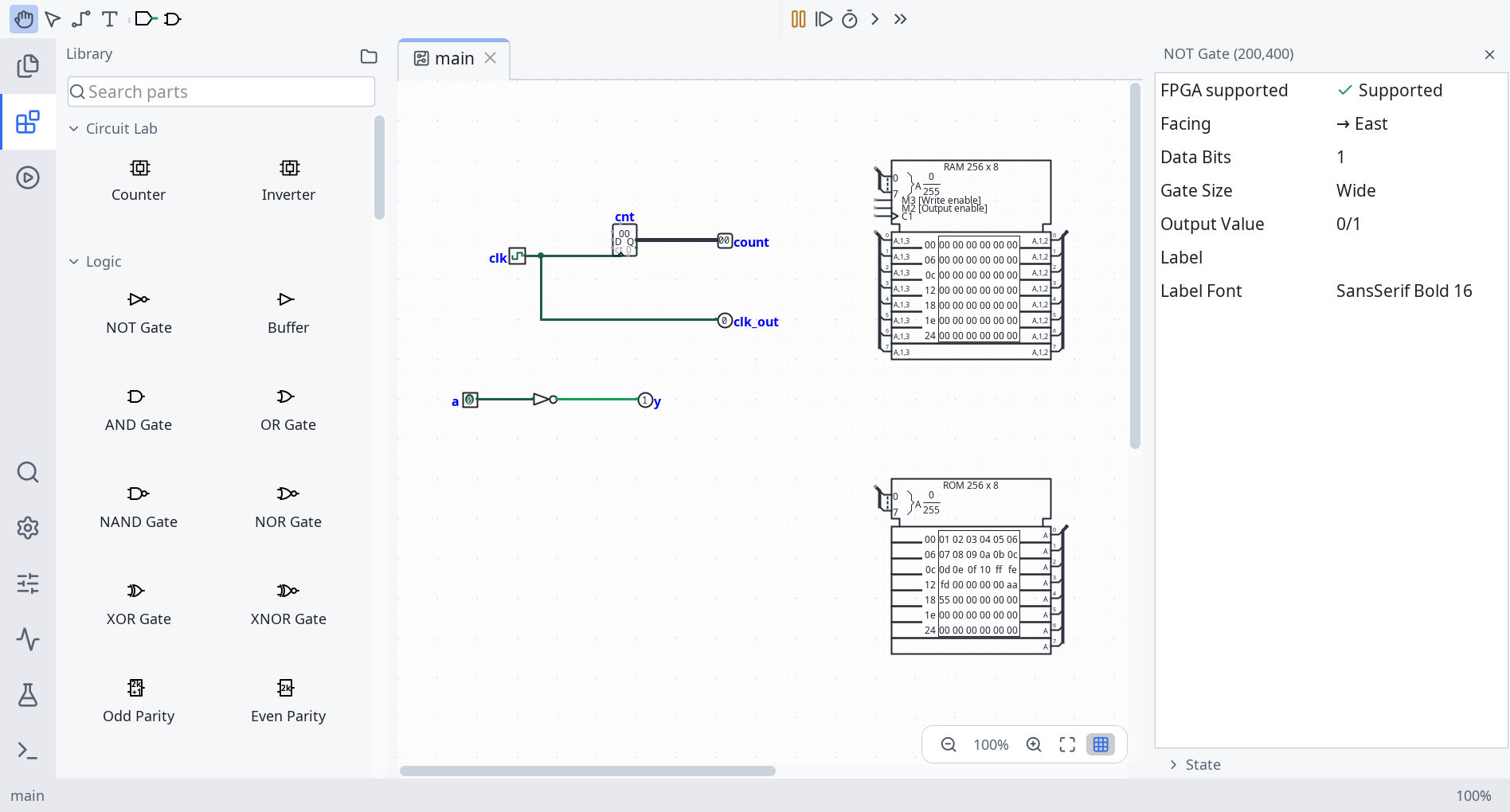
From a single AND gate to a working CPU
Everything that made the original Logisim the classroom standard is still here, in a cleaner editor with fewer surprises.
Find any part fast
Type "AND", "RAM" or "7-seg" into the parts picker. Press F1 on any component for its help page. Find Action also searches settings.
Tabs, inspector and drawer
Open circuits side by side in tabs. Edit any component's settings in the inspector. Timing diagrams and test vectors open in a bottom drawer, not a separate window.
Simulate as you build
Signals propagate live as you poke inputs. Step the clock, watch waveforms, and log signals over time.
Analyse the logic
Build truth tables and Karnaugh maps, minimise expressions, and generate a circuit from a table. Run test vectors against your design.
Memory, arithmetic and SoC
Use RAM, ROM, registers, counters, ALUs, displays, TTL chips and system-on-chip components. Package your own subcircuits as reusable parts.
VHDL, Verilog and FPGA
Write VHDL entities or Verilog modules as components. Export HDL, then map a design onto supported FPGA boards to run it on real hardware.
Tidy layouts
Align and distribute components, lock parts you don't want moved, and set label styles per project. Placing and nudging work from the keyboard too.
Light, dark and colour-blind
Follows your system theme. Every colour lives on one Colors page, with a colour-blind palette a click away. UI zoom is separate from circuit zoom.
Your work is safe
Autosave recovery, a full undo history (now in the analyzer and hex editor too), and no silent loss when a file can't be read or saved.

Coming from Logisim-evolution?
Logisim Revolution is a fork of Logisim-evolution, which itself continued Carl Burch's original Logisim. Your circuits open unchanged: Revolution reads and writes the same .circ format with the same component IDs. On first launch it offers to copy your Evolution settings. The two apps keep separate settings, so you can run both side by side.
Get Logisim Revolution
Native packages include their own Java runtime, so there's nothing else to install. Your system is highlighted below.
Windows Your system
Windows 10 or 11, x86-64. Installer or portable ZIP.
macOS Your system
Disk images for Apple Silicon (M1 and later) and Intel Macs.
Debian, Ubuntu, Mint Your system
.deb packages for x86-64 and ARM64.
Fedora, RHEL, openSUSE Your system
.rpm packages for x86-64 and ARM64.
Portable JAR
Any system with Java 21 or newer, including Arch Linux (steps). No runtime included.
These are development builds. A build is published only after every platform has built successfully. The macOS disk images aren't notarized yet, so macOS asks you to confirm on first launch (see the macOS install steps below). Snap and Flatpak packages aren't available yet.
Installation
Pick your system. Each guide takes about a minute.
Download the Installer (.msi) from the Windows row above.
Open it and follow the prompts. If SmartScreen warns about an unrecognised app, choose More info and then Run anyway.
Start Logisim Revolution from the Start menu. Double-clicking a
.circfile opens it too.
logisim-revolution.exe inside it. Don't run the exe from inside the ZIP, because it needs the files beside it.Download the disk image for your Mac: Apple Silicon for M1 and later, Intel for older Macs. To check, open the Apple menu → About This Mac.
Open the
.dmgand drag Logisim Revolution into Applications.The build isn't notarized yet, so the first launch is blocked. Open System Settings → Privacy & Security, scroll down, and click Open Anyway next to Logisim Revolution. You only do this once. Or run this in Terminal:
xattr -dr com.apple.quarantine "/Applications/Logisim Revolution.app"
Download the
.debfor your CPU. Most PCs are x86-64; a Raspberry Pi 4/5 or ARM laptop is ARM64.Install it with apt from the folder you downloaded to. apt pulls in any dependencies:
# in your Downloads folder sudo apt install ./logisim-revolution_*.debLaunch Logisim Revolution from your applications menu.
Download the
.rpmfor your CPU (x86-64 or ARM64).Install it with dnf (on openSUSE, use
sudo zypper installinstead):sudo dnf install ./logisim-revolution-*.rpmLaunch Logisim Revolution from your applications menu.
There's no Arch package yet, so you run the portable JAR with Arch's own Java. These steps also add a terminal command and an app-menu entry.
Install Java 21:
sudo pacman -S --needed jre21-openjdkDownload the app and its icon into your home folder:
mkdir -p ~/.local/share/logisim-revolution curl -L -o ~/.local/share/logisim-revolution/logisim-revolution.jar \ curl -L -o ~/.local/share/logisim-revolution/icon.svg \ https://logisim.briggen.dev/img/logisim-revolution-mark.svgAdd a
logisim-revolutioncommand:mkdir -p ~/.local/bin cat > ~/.local/bin/logisim-revolution <<'EOF' #!/bin/sh exec java --enable-native-access=ALL-UNNAMED \ -jar "$HOME/.local/share/logisim-revolution/logisim-revolution.jar" "$@" EOF chmod +x ~/.local/bin/logisim-revolutionAdd it to your app menu:
mkdir -p ~/.local/share/applications
cat > ~/.local/share/applications/logisim-revolution.desktop <<EOF
[Desktop Entry]
Type=Application
Name=Logisim Revolution
Comment=Design and simulate digital circuits
Exec=$HOME/.local/bin/logisim-revolution %f
Icon=$HOME/.local/share/logisim-revolution/icon.svg
Terminal=false
Categories=Education;Electronics;
EOF
curl line from step 2 again to replace the JAR. If logisim-revolution isn't found in a terminal, add ~/.local/bin to your PATH. The app-menu entry works either way.Install Java 21 or newer if you don't have it (for example Eclipse Temurin). Check with:
java -versionDownload the
-all.jarfile and run it:java --enable-native-access=ALL-UNNAMED -jar logisim-revolution-5.1.0dev-all.jar
-all.jar. The -src.jar holds the source code and doesn't start the app.Install a JDK 21 or newer and Git.
Clone the repository and run it with the included Gradle wrapper:
git clone https://git.briggen.dev/NilsBriggen/Logisim-Revolution.git cd Logisim-Revolution ./gradlew runOn Windows, use
gradlew.bat run. Build a portable JAR with./gradlew shadowJar, or native packages for your system with./gradlew createAll(needs that platform's packaging tools). See the developer guide.
Light an LED in four steps
The half adder at the top of this page is two gates. Here's the one-gate version, built from scratch.
- Choose New on the welcome screen. Search the parts picker for Pin and place two input pins. Then add an AND Gate and an LED.
- Pick the wiring tool. Connect both pins to the gate's inputs, and the gate's output to the LED.
- Switch to the poke tool (the hand) and click the pins. The LED lights when both are 1.
- Save as a
.circfile. Select any component to change its settings in the inspector.